
Say you have mpeg2 set-top-boxes boxes, and you have H.264 UDP channel, to need to convert this to mpeg2 so that your network can deliver it to your audiences.
Request a DemoTranscode H.264 (also known as MPEG-4 SD or HD) to MPEG-2 or MPEG-2 to H.264 without losing in video quality. In additional, it can also customize and compress bit rate, resolution of digital programs either in MPEG-2 or MPEG-4 format and give output at IP. The Coder comes with even more features that ensure high-quality and cost-effective video transcoding.
Say you have mpeg2 set-top-boxes boxes, and you have H.264 UDP channel, to need to convert this to mpeg2 so that your network can deliver it to your audiences.

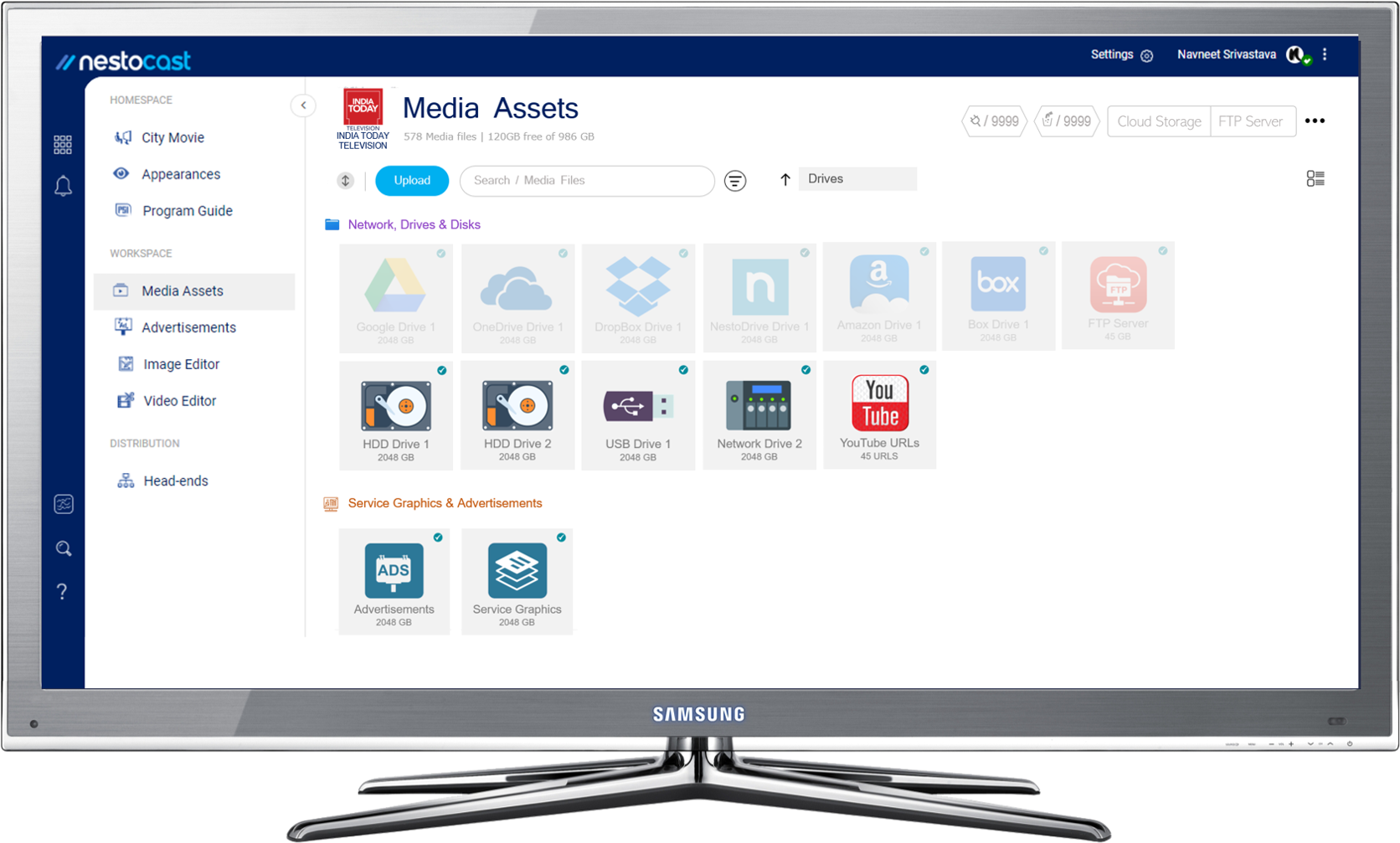
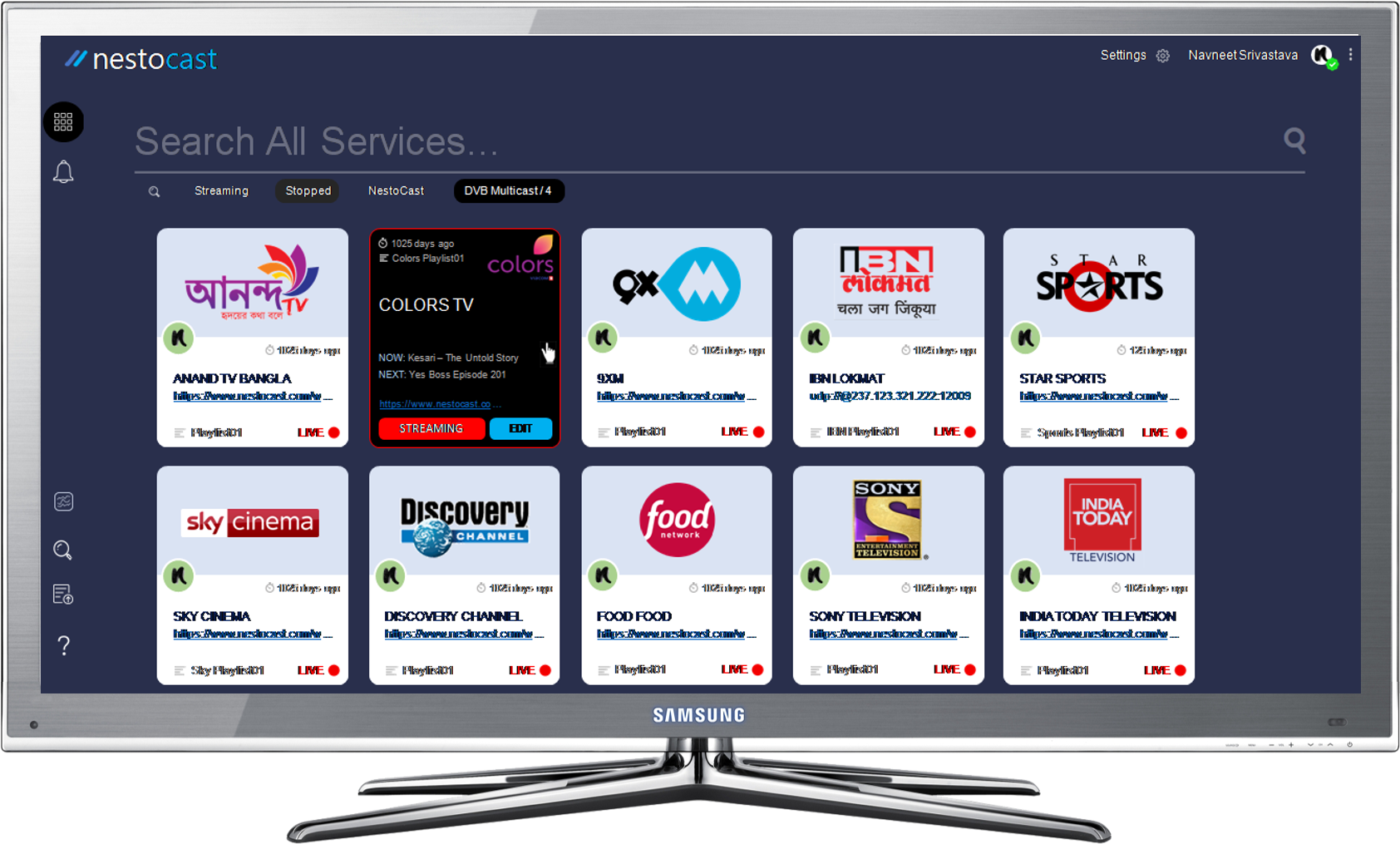
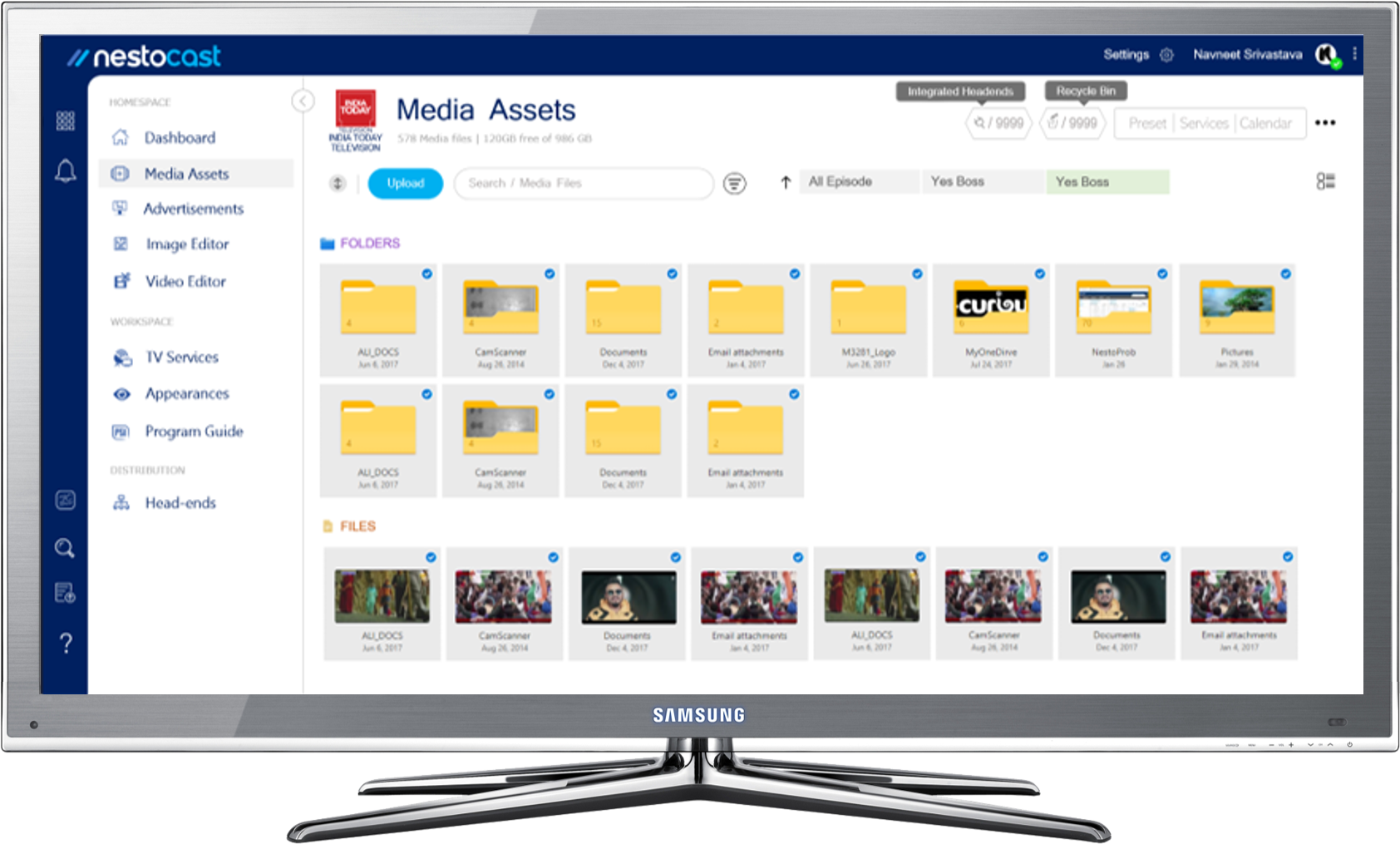
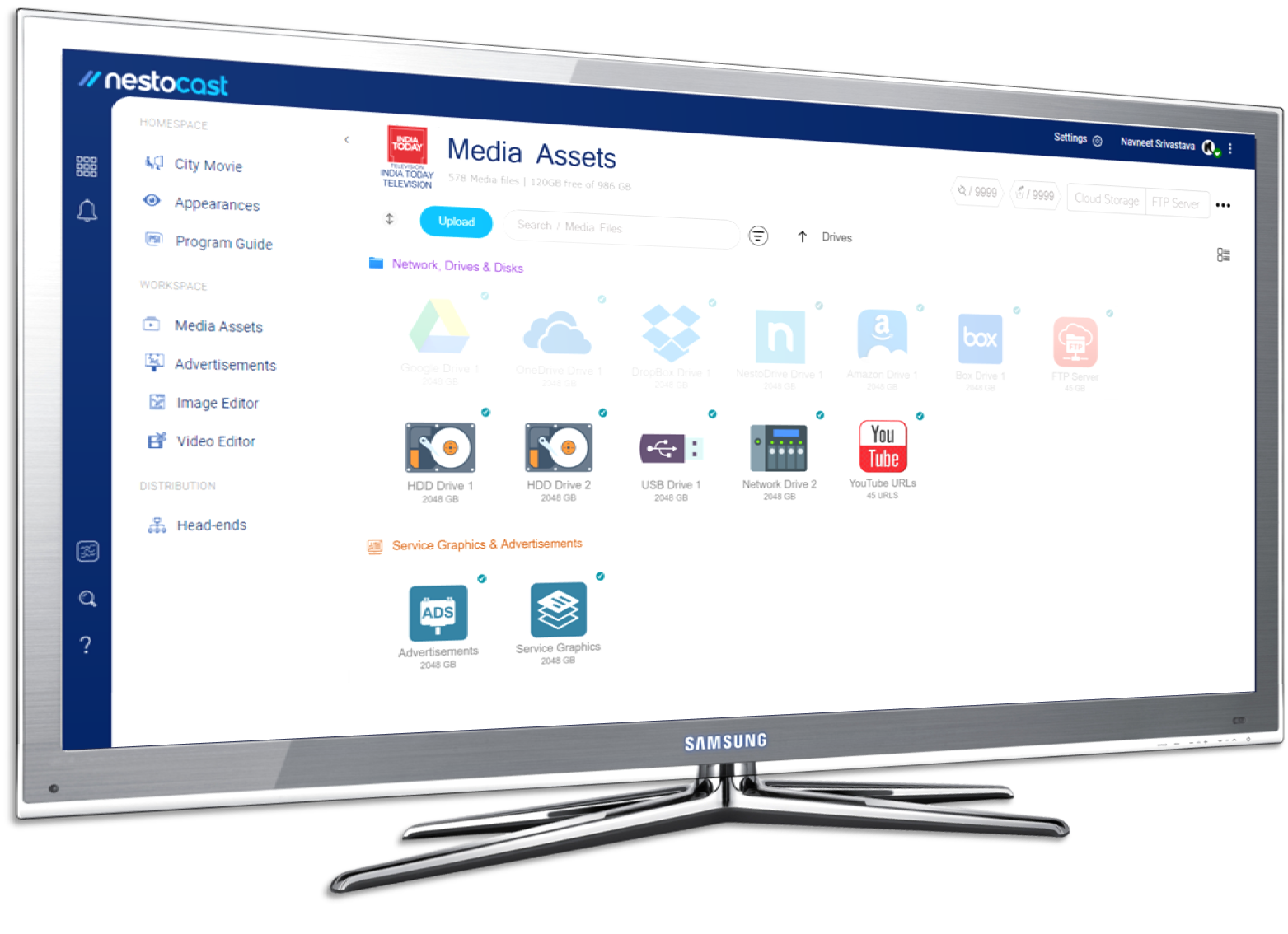
Transcode H.264 (also known as MPEG-4 SD or HD) to MPEG-2 or MPEG-2 to H.264 without losing in video quality. In additional, it can also customize and compress bit rate, resolution of digital programs either in MPEG-2 or MPEG-4 format and give output at IP. The Coder comes with even more features that ensure high-quality and cost-effective video transcoding.
Say you have mpeg2 set-top-boxes boxes, and you have H.264 UDP channel, to need to convert this to mpeg2 so that your network can deliver it to your audiences.
1) 24x7 operation
⦁ Transcoder supports 24x7 services. In case of any glitch because of which system reboots, it will auto start. Hence no manual interference needed when the system reboots.
2) Input protocol
⦁ Input protocols supported are UDP, RTMP, and HLS.
3) Output protocol
⦁ Output protocols supported are UDP, RTMP, and HLS.
4) Logo insertion
⦁ For brand recognition overlay logo with transparency on the transcoded streams.
5) GPU decoding
⦁ For compression.
6) Video parameters
⦁ Supported video codecs are mpeg2, mpeg4, H.264 Based on the output format you can control, resolutions, setting reference frame, B frame, P Frame, Fixed GOP, CBR/VBR, color transformation, scaling, upscale, downscale and many more features
7) Frame rate up and down conversion.
8) Audio parameters
⦁ Supported audio codecs are mpeg2, AAC and AC3.
9) Metadata of UDP
⦁ For UDP streams, metadata gets inserted into the stream. It allows you to set parameters like Channel name, service name, UDP IP, Port, Audio/Video Pid, PMT Pid etc.
10) HLS chunk size
⦁ The HLS chunk sizes are always defined in seconds. By correctly choosing the chunk size, it will provide a good compromise between encoding efficiency and flexibility for stream adaptation to bandwidth changes. The setting is available to provide chunk size and playlist size. The correct setting on a network will enable the user to achieve desirable low latency.
11) Auto-restart
⦁ If the input stream does not play or is facing connection break down, it will keep trying to auto-restart stream.
12) Easy configuration via Web UI.
HEVC/H.265
MPEG-4 (AVC/H.264)
MPEG-2
HE AAC v.1 and v.2
AAC LC
MPEG-1/2
MPEG-2 TS (SPTS or MPTS)
Ethernet IP
SDI/HD-SDI
DVB-ASI
HDMI
DVB-T/T2
DVB-C/C2
HLS
RTP
UDP
RTSP
SSE-enhanced CPU (Intel® Core i3, i5, i7 Processor)
8 GB RAM
Any VGA card